
woocommerce upgrade tutorial
The landscape for Electronic Nicotine Delivery Systems (ENDS) retailers on Shopify has dramatically changed. On June 24, Shopify issued a notice stating that due to evolving legal restrictions, it would no longer support the sale of these products. Merchants were instructed to remove all e-cigarette products by July 8, facing potential product suspension or even store termination. This swift policy change has left thousands of online stores in a scramble to find a new home.A distressed online store owner facing a screen with a Shopify ENDS policy notice. The Unforeseen Impact: Shopify's ENDS Policy and Your StoreThis policy shift by Shopify has sent shockwaves through the ENDS market. Imagine the segment of online stores dedicated to these products - a significant portion of them likely built on Shopify for its ease of use and scalability. The estimated number of affected online stores is substantial, potentially in the tens of thousands...
Upgrades are part of daily life for WordPress users, usual routine everybody’s got used to and doesn’t t make any fuss of. However, when it comes to the WooCommerce update,...
WooCommerce upgrade is the process of migrating your eCommerce data from your old store to the new one. A WooCommerce update to the latest version can be done with Cart2Cart...
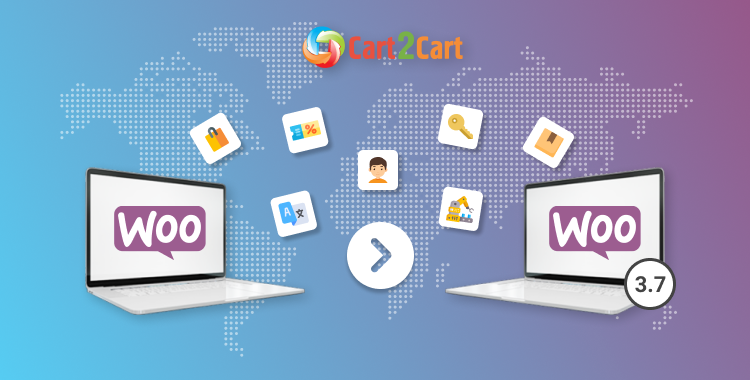
Despite the fact that the manual upgrade is quite a reliable way to update software, the same job can also be done without intensive hands-on. Let's focus on getting you...
