
How can we help you?
Before or during a Cart2Cart migration involving Wix, disable automatic order emails so customers are not messaged about imported/historical orders.
Disable order email automations (current Wix)
1. Open your Wix site dashboard.
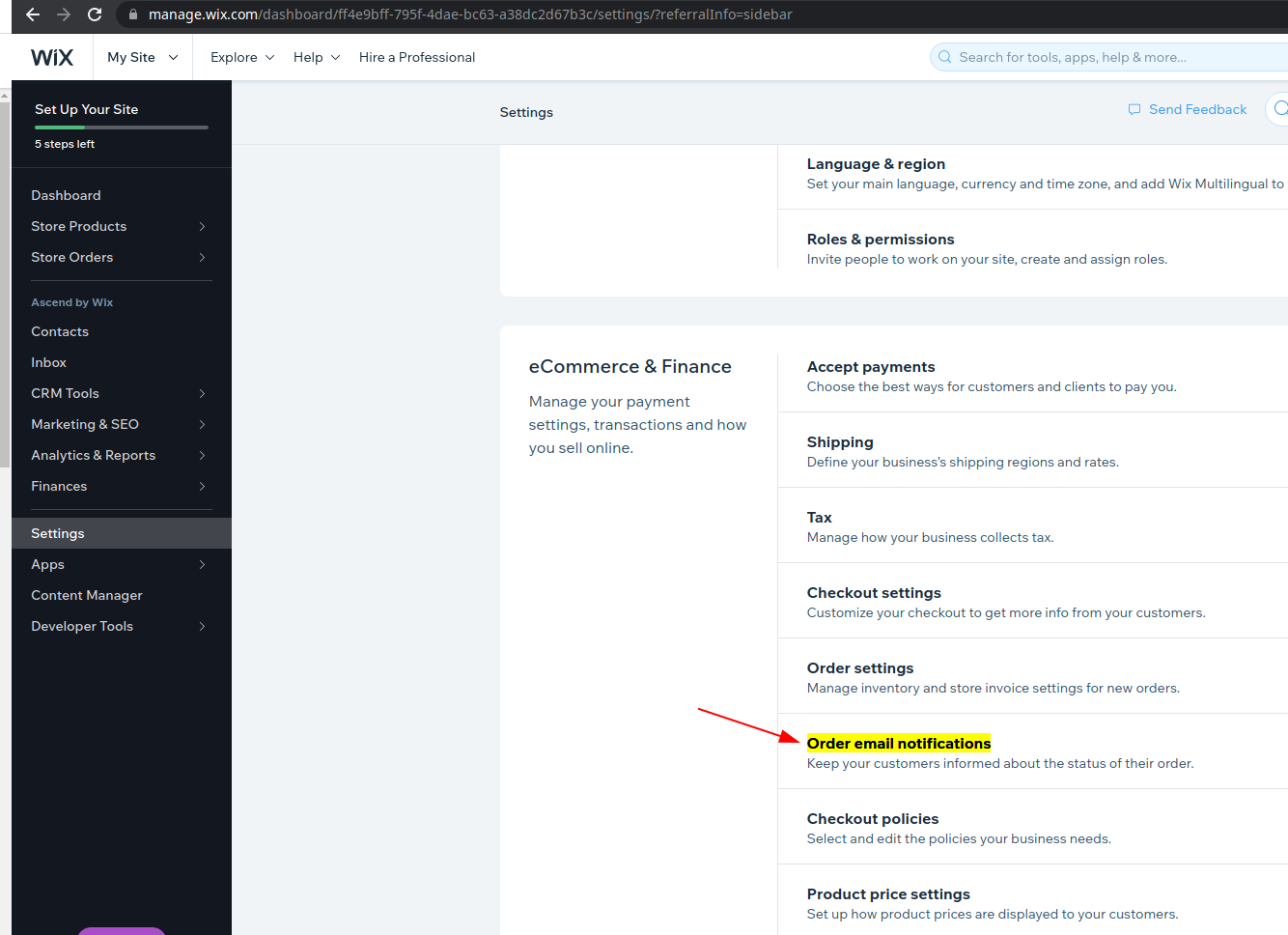
2. Go to Automations.
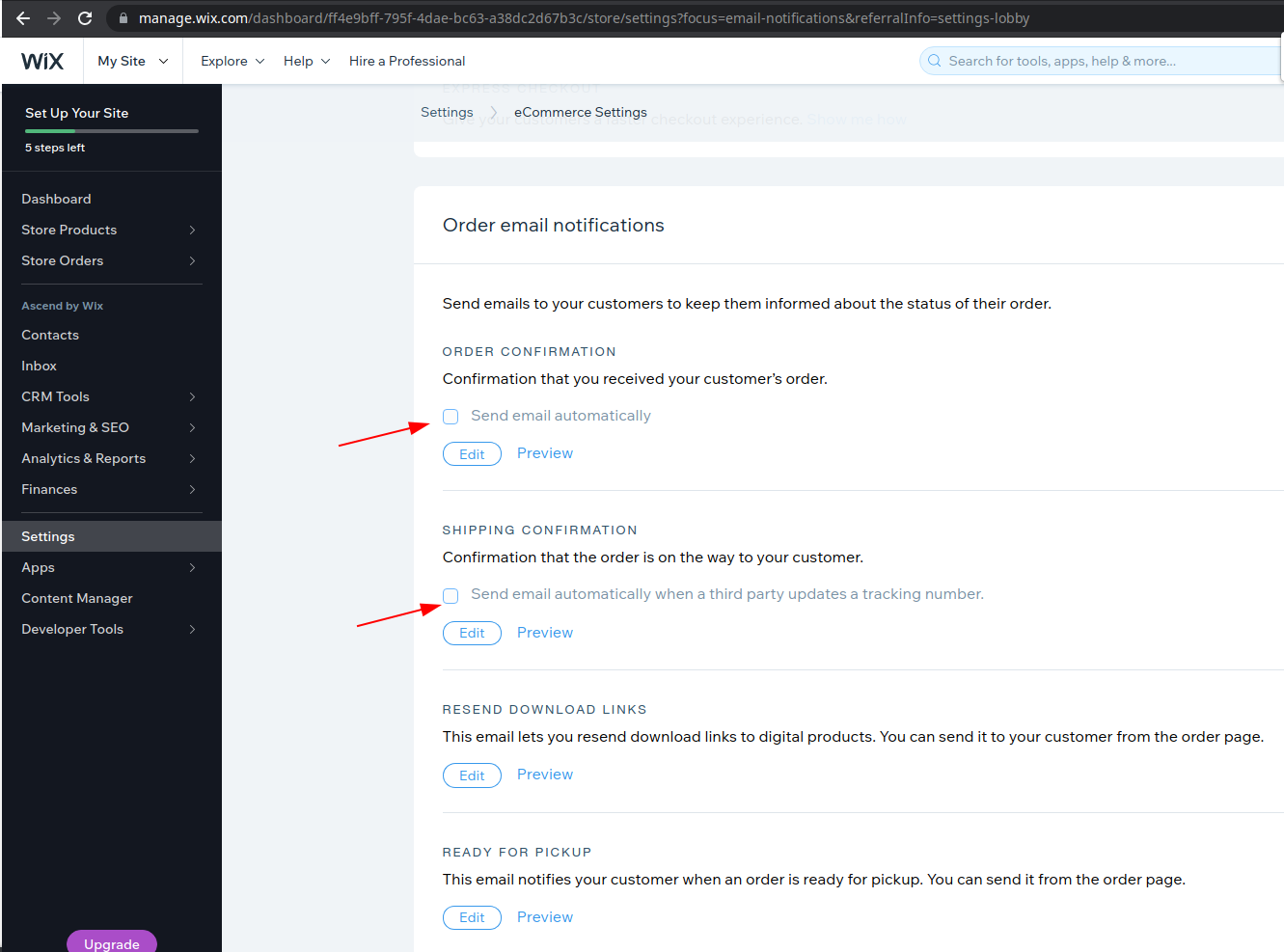
3. Search for and set these automations to Inactive (names may vary slightly):
— Send confirmation email when an eligible order is placed
— Send email when an order is shipped
— Send email when an order is updated
4. Complete the migration, then re-enable automations if you want live-order emails again.
You need sufficient site permissions (Owner / Co-Owner) to manage Automations.
Do you need help? Contact our support team
Just set up the migration and choose the entities to move – the service will do the rest.
Try It FreeDelegate the job to the highly-skilled migration experts and get the job done.
Choose Package