
How can we help you?
Zoey-related questions1
Zoey Commerce is an active B2B / wholesale ecommerce and order-management platform built on the Magento framework. Cart2Cart supports migrations to and from Zoey (supported versions include Zoey 2.4.x). Because of Zoey’s architecture, you must install the Cart2Cart: Zoey Data Importer app and complete image sync after migration.
1. Log in to your Cart2Cart account and create a new migration (My Migrations → create / start migration).
2. Configure your source cart as usual, then choose Zoey as the target (or source, if migrating away from Zoey).
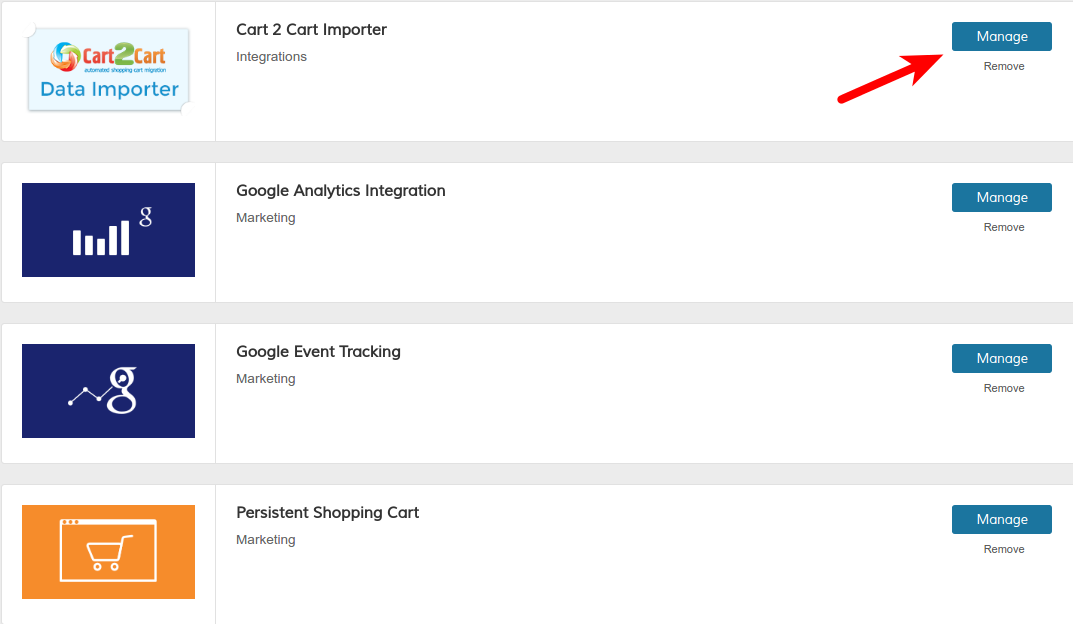
3. Log in to your Zoey admin panel. Open Apps, find Cart2Cart: Zoey Data Importer, add it, and click Manage.
4. Copy the security token from the Migration Wizard (Source / Target setup). Some accounts also show the token under personal / account settings—use the value the Wizard displays for this migration.
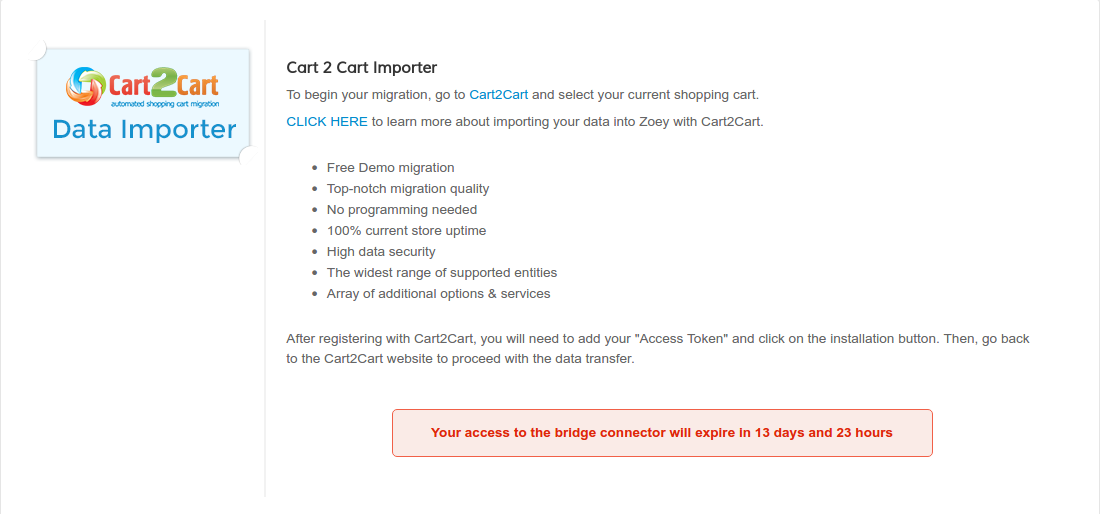
5. Paste the token into the Zoey Data Importer and click Install Connector. Confirm the connector status (including any bridge expiry countdown).
6. Return to the Wizard, enter your Zoey store URL, map entities, and run Demo then Full Migration.
7. When migration finishes, open Zoey Apps → Cart2Cart: Zoey Data Importer → Manage and click Synchronize Images. Product images may be incomplete until this step runs.

If the Importer app is missing from Apps, contact Zoey support or Cart2Cart Live Chat—do not substitute a generic Magento bridge unless the Wizard explicitly offers that connection for your case.
Schedule a call with a Migration Expert or start your free demo.
Just set up the migration and choose the entities to move – the service will do the rest.
Try It FreeDelegate the job to the highly-skilled migration experts and get the job done.
Choose Package