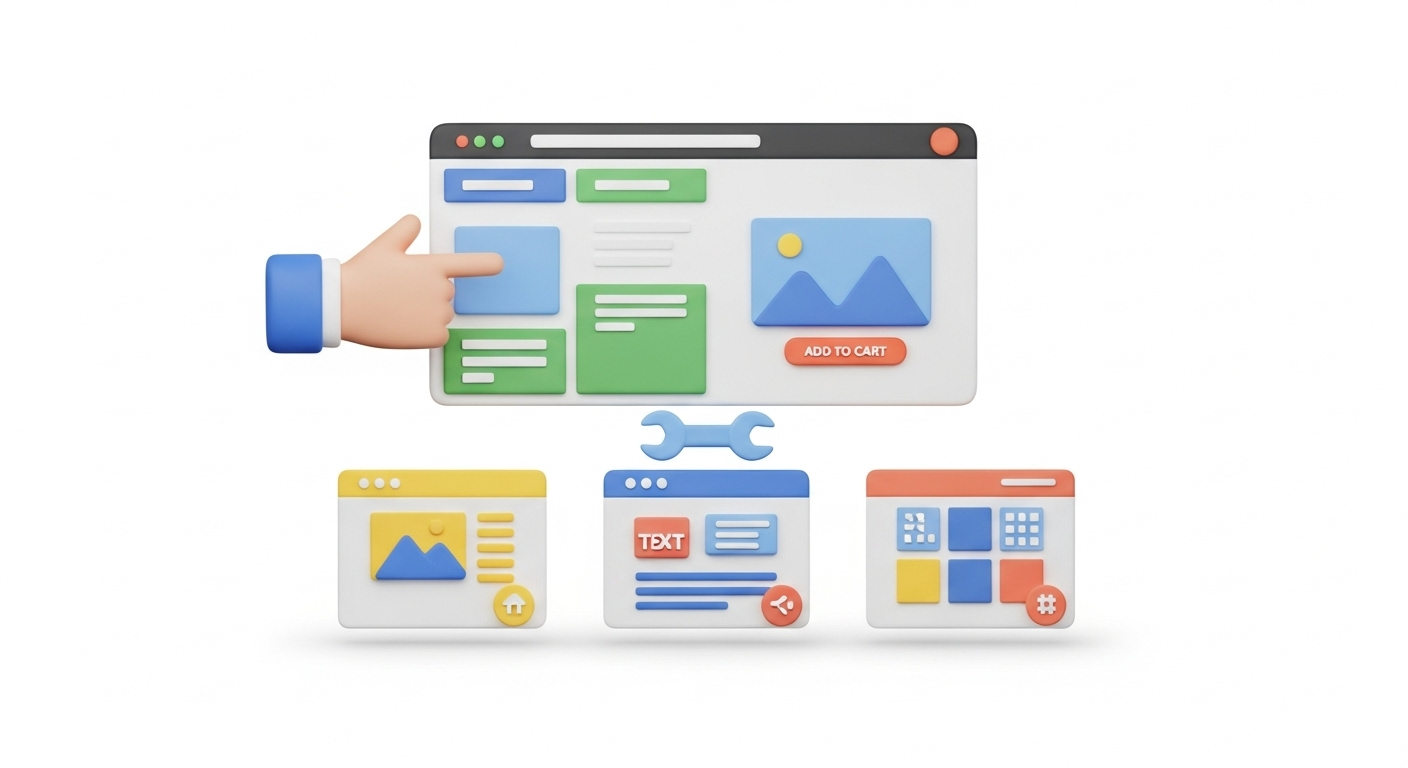
VirtueMart is one of the popular e-Commerce solutions that powers hundreds of thousands of online stores worldwide. Moreover, its current stable versions offer improved core structures and features. So, if you would like to explore modern VirtueMart capabilities, it is your high time. From the other side, this is an open source solutions that provides you with a full access to the core code. That is probably the main reason why a lot of merchants migrate to VirtueMart. If you are considering other platforms, you might find our guide on migrating from VirtueMart to WooCommerce helpful. So, if you are an e-business newcomer or wish to move the store to this shopping cart, take a look at the set of video tutorials that will help to manage your new store.
Take a Fast Start
Joomla VirtueMart Install Tutorials
In case you already have Joomla! based website, the installation process will be pretty simple. But if you wish to set up a VirtueMart store from the very beginning, you will need to install CMS first. It sounds confusing unless you watch the following video tutorial that will help you to cope with whole process. Before you begin, you might want to review how to prepare your source store for migration. So, take a look at the video tutorial that highlights the main steps of VirtueMart installation.
How To Install VirtueMart Responsive Bootstrap Template For Joomla
Once you’ve installed an e-Commerce platform to your store, you will need to take care about the design of a new shop. Your customers will love your store if it will look attractive on any device. So, choose a responsive template, install it to the VirtueMart store and make money. Moreover, customize the theme in order to provide a unique outlook of the shop if needed. In any case, watch the video for a better convenience.
How To Setup A VirtueMart Product Category
Remember, that all your store have to help your customers to find what they are looking for. That is why you should organise the products into categories first and add items to them after. But how to create this on a new shopping cart? Check the next video tutorial to find out the peculiarities of this process.
How to Add a Product to your e-Commerce Store
Now, you are ready to add some products and start your online sales. Make sure not to miss the price, description, and images for each item. That is a must have basis, but you can also dive into some advanced parameters. It can notably improve your SEO and customers shopping experience. So, watch the next video guide that describes how to add products to VirtueMart and enable advanced options.
Create the Best Customers Experience
VirtueMart Parent/Child Products
To tell the truth, customers are more likely to make less clicks in order to make a purchase. Luckily, VirtueMart provides you with an opportunity to create child products, that will be displayed on a single page of a parent product. This type of appearance allows you to set different prices for every item and show it straight to your customers. The following video will describe the process of Child Products creation.
One Page Checkout for Virtuemart
Do you want your customers to pay more and more often? There is only one way to effect this - you should create a simple checkout process. That is why one-page payment appears to be the most effective tool for store owners to rise sales. So now, take a look at the video tutorial that shows how to enable this type of payment for your VirtueMart store.
How to Accept Credit Cards on Virtuemart
The most popular payment method of your store usually depends on your target audience, region and market sphere. However, credit cards are the most traditional method, that every online shop should accept. If this payment method doesn’t appear in your store, customers may abandon the carts and leave. That is why you have to enable this option and the video guide below will help you cope with this task.
How to Configure Coupons in VirtueMart for Joomla!
Want to take your customers into an effective marketing carousel? Or you simply wish to give some presents because of upcoming holidays? VirtueMart also provides you with an opportunity to create coupons. Watch the video below and make impressive presents for your regular customers.
So, what are you waiting for? Migrate to VirtueMart or launch a new store from scratch and make money with ease.
Monthly Update – March 2026
The e-commerce landscape in March 2026 continues to emphasize personalization and efficient site performance. For VirtueMart store owners, focusing on optimizing loading speeds and mobile responsiveness remains paramount. With search engines prioritizing user experience more than ever, a fast and fluid site can significantly impact your rankings and conversion rates. Consider reviewing your image compression, leveraging browser caching, and minimizing unnecessary scripts to enhance performance. Additionally, the trend towards hyper-personalization means tailoring product recommendations, email campaigns, and even website content to individual customer preferences is crucial. VirtueMart's flexibility allows for integration with various marketing automation tools that can help achieve this. Explore plugins or custom solutions that analyze customer behavior to offer relevant suggestions, thereby increasing average order value and customer satisfaction. Another key area for March is ensuring your security protocols are up-to-date, especially with ongoing advancements in cyber threats. Regularly update VirtueMart and Joomla! components, and ensure your SSL certificates are current. A secure store builds trust and protects both your business and your customers. Embracing these strategies will help your VirtueMart store thrive in a competitive market. For more details, explore our FAQ section or schedule a call with a migration expert.