Register your account
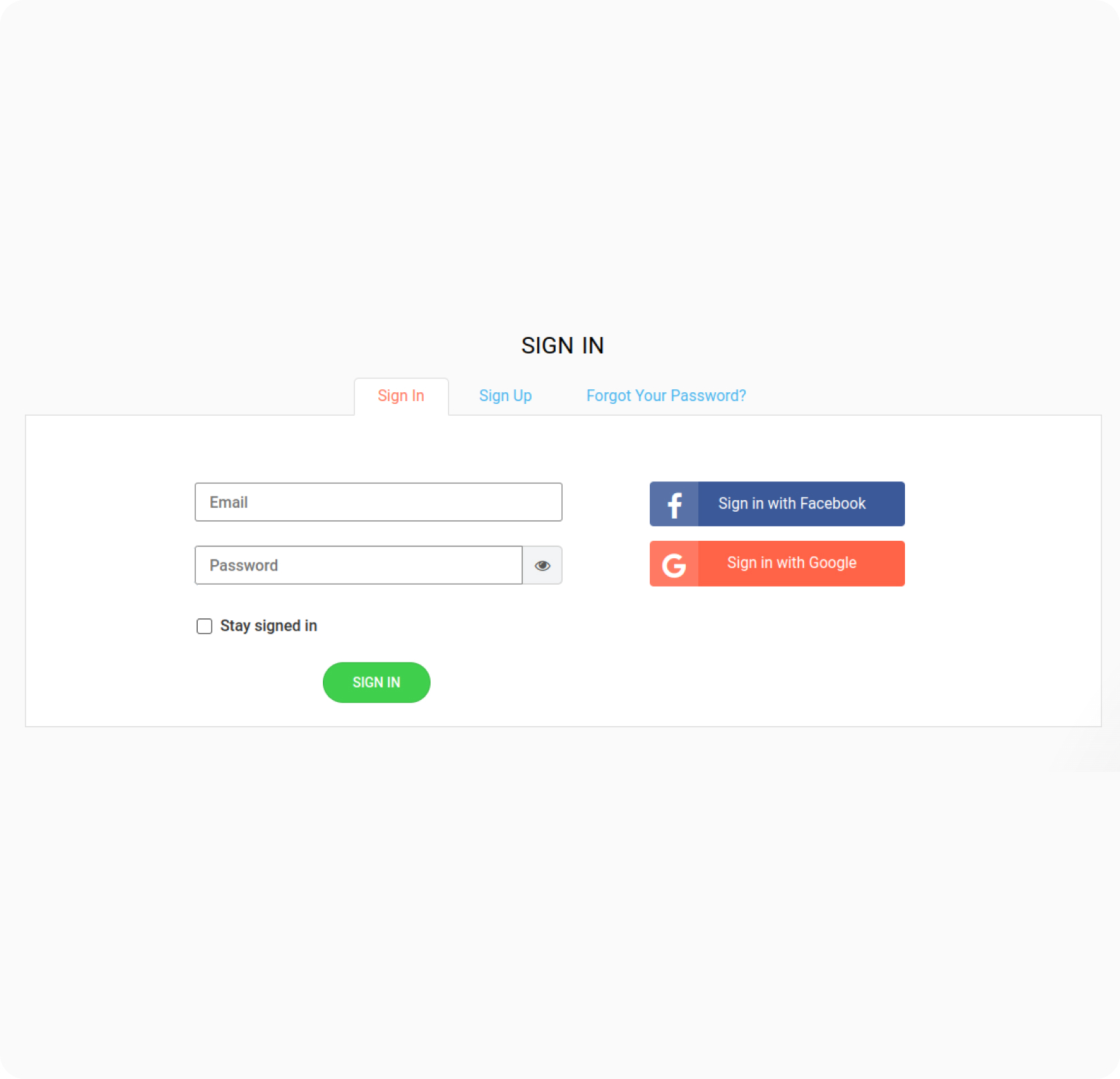
Sign up or sign in with your existing Cart2Cart account. You can also use your Google or Facebook account to sign in.
Read this page carefully to discover how the Cart2Cart service works & how to get the most out of it
Cart2Cart is an innovative automated migration service that simplifies eCommerce data migration into a few easy-to-do steps. You only have to manually specify your current and new stores, select the data to move (e.g., products, customers, orders, etc.), and the additional migration options.

Sign up or sign in with your existing Cart2Cart account. You can also use your Google or Facebook account to sign in.
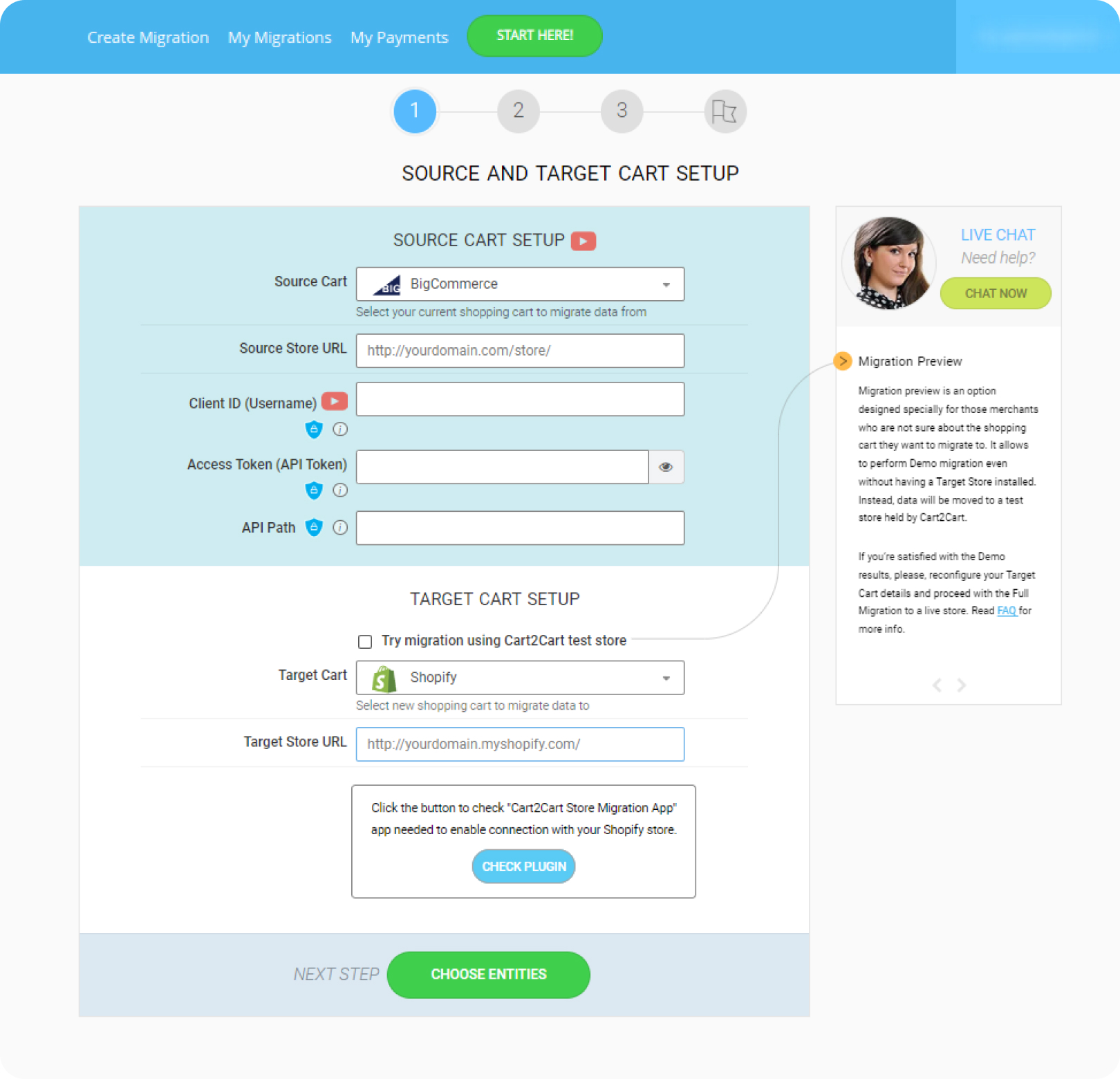
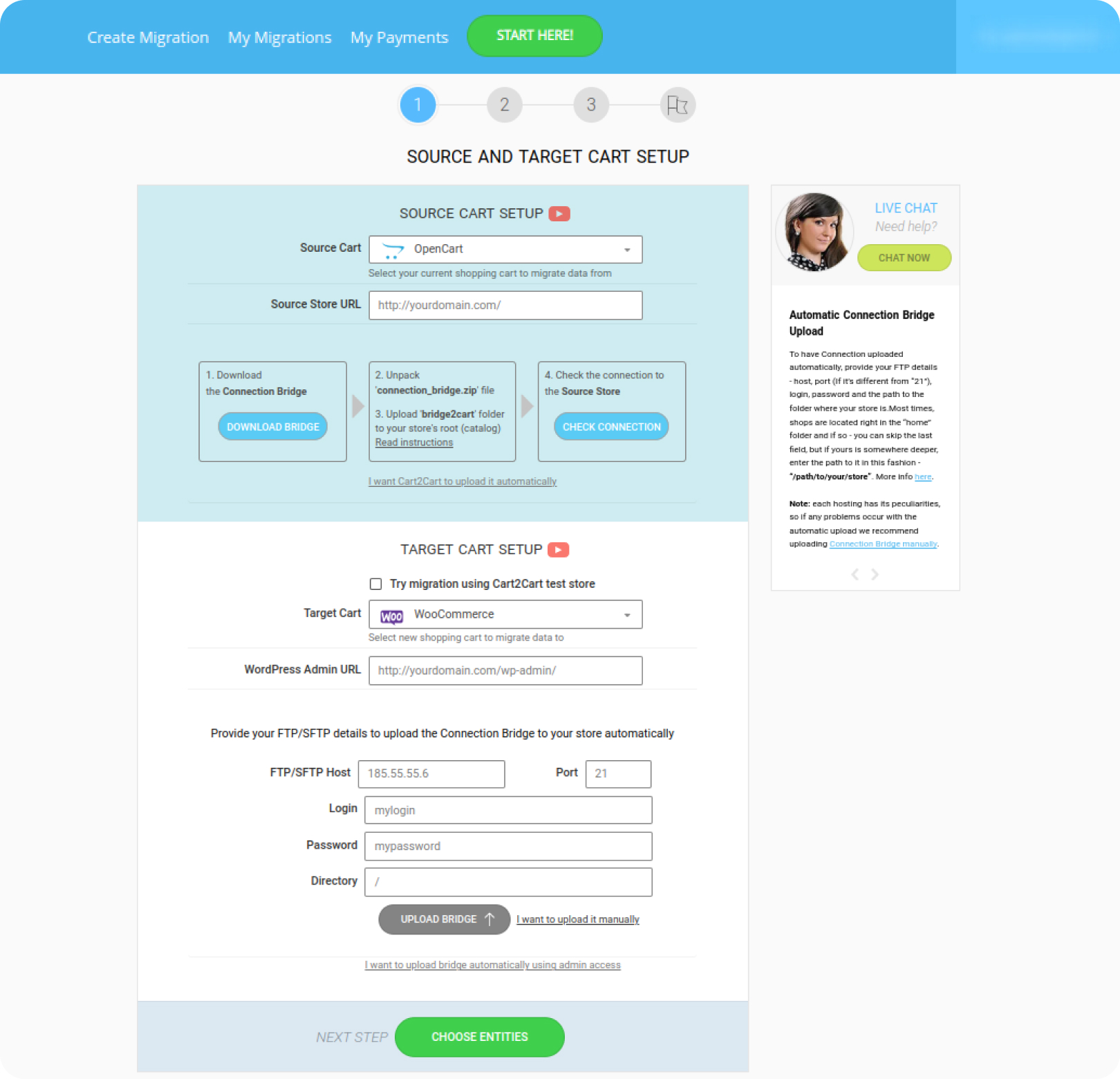
Select your Source Cart and paste its URL into an appropriate field. Install the Connection Bridge to establish the connection between the carts. Select Target Cart and repeat the same procedure as with the Source Cart.
Choose the entities you want to migrate (e.g.,, products, customers, orders, categories, reviews, etc.). At this step, you can also choose additional options to improve your migration result.
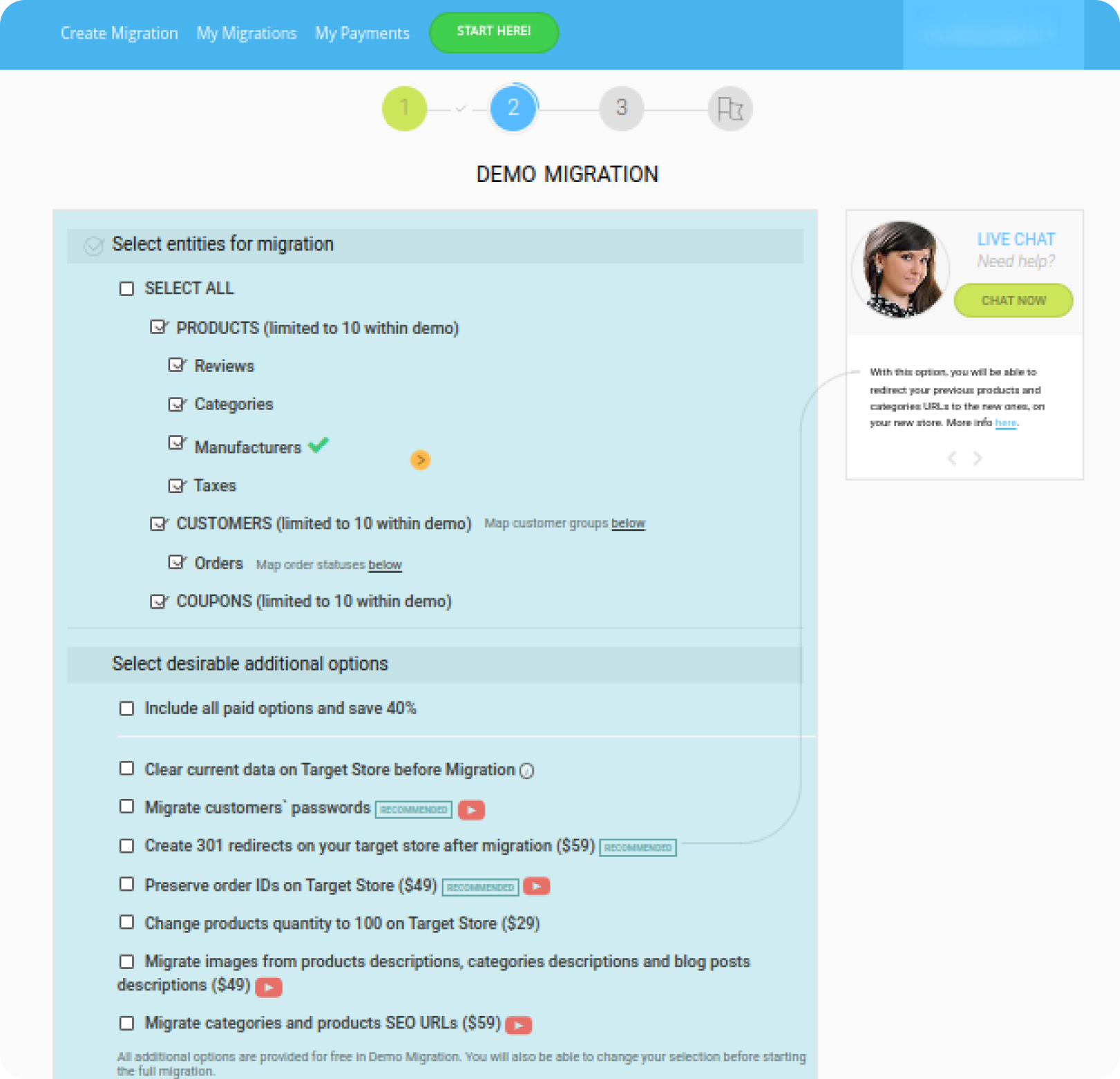
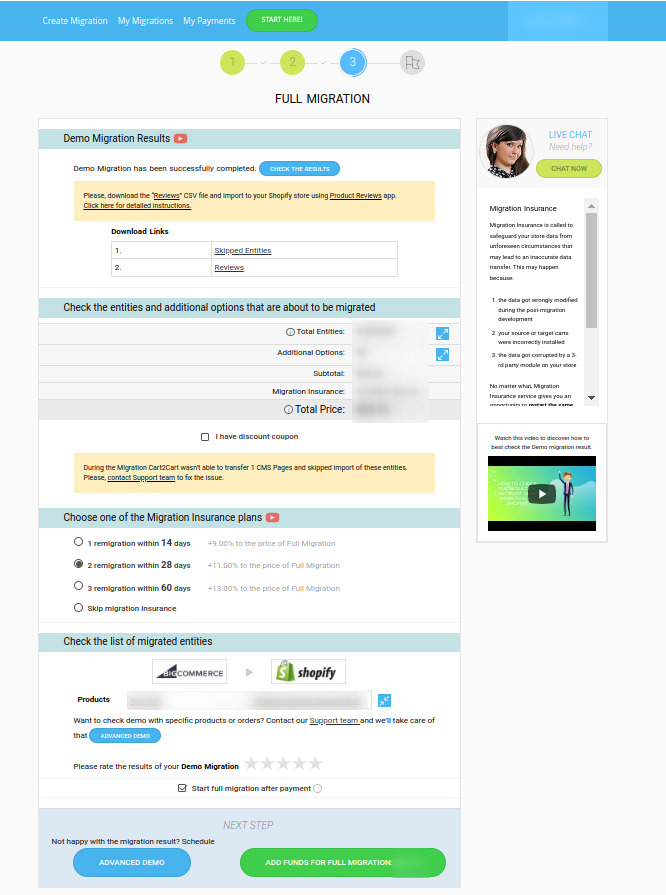
Start free Demo Migration to see Cart2Cart in action. Move a limited number of your current store data to the new Target Cart to see how they look on the new platform.
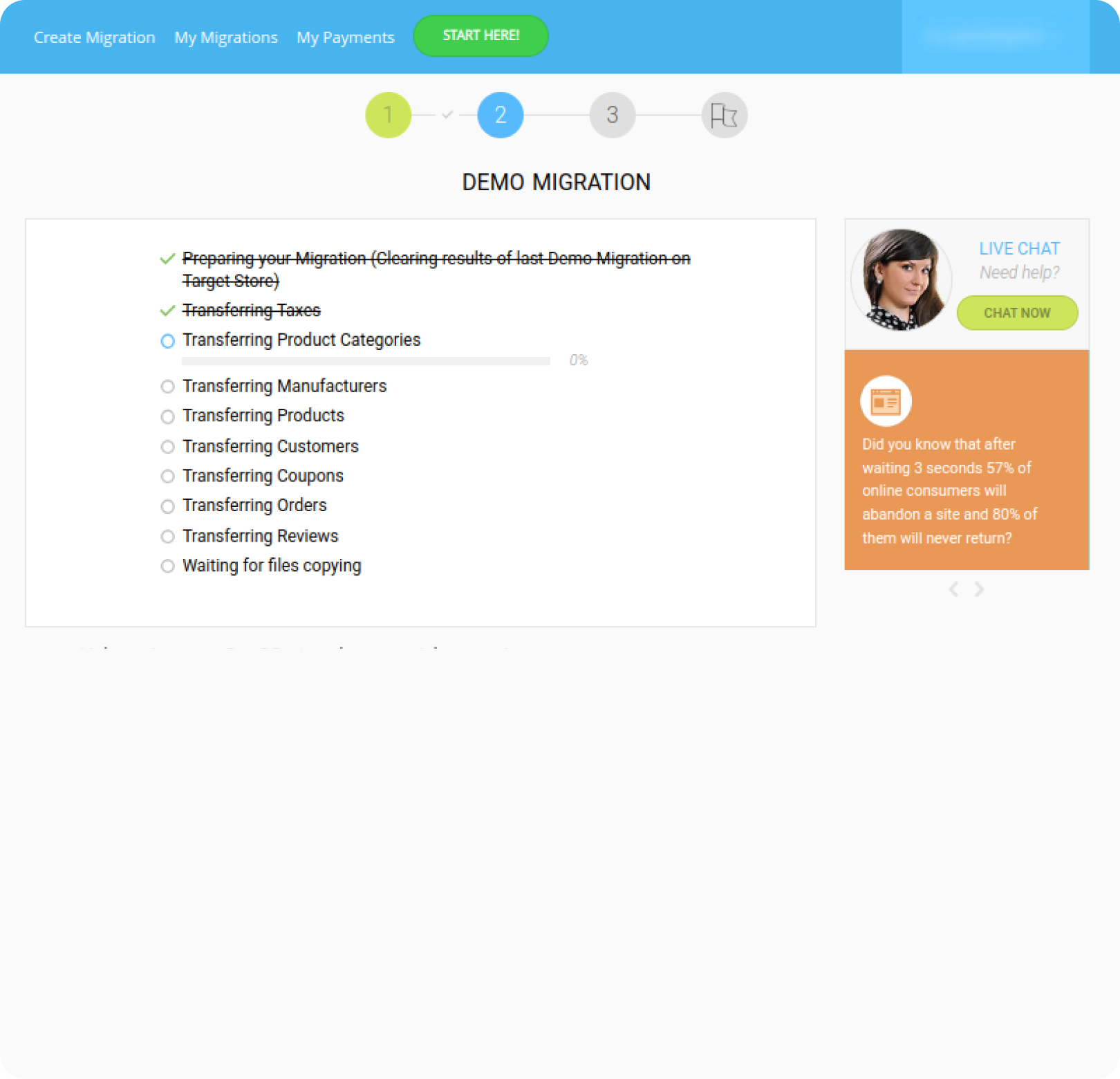
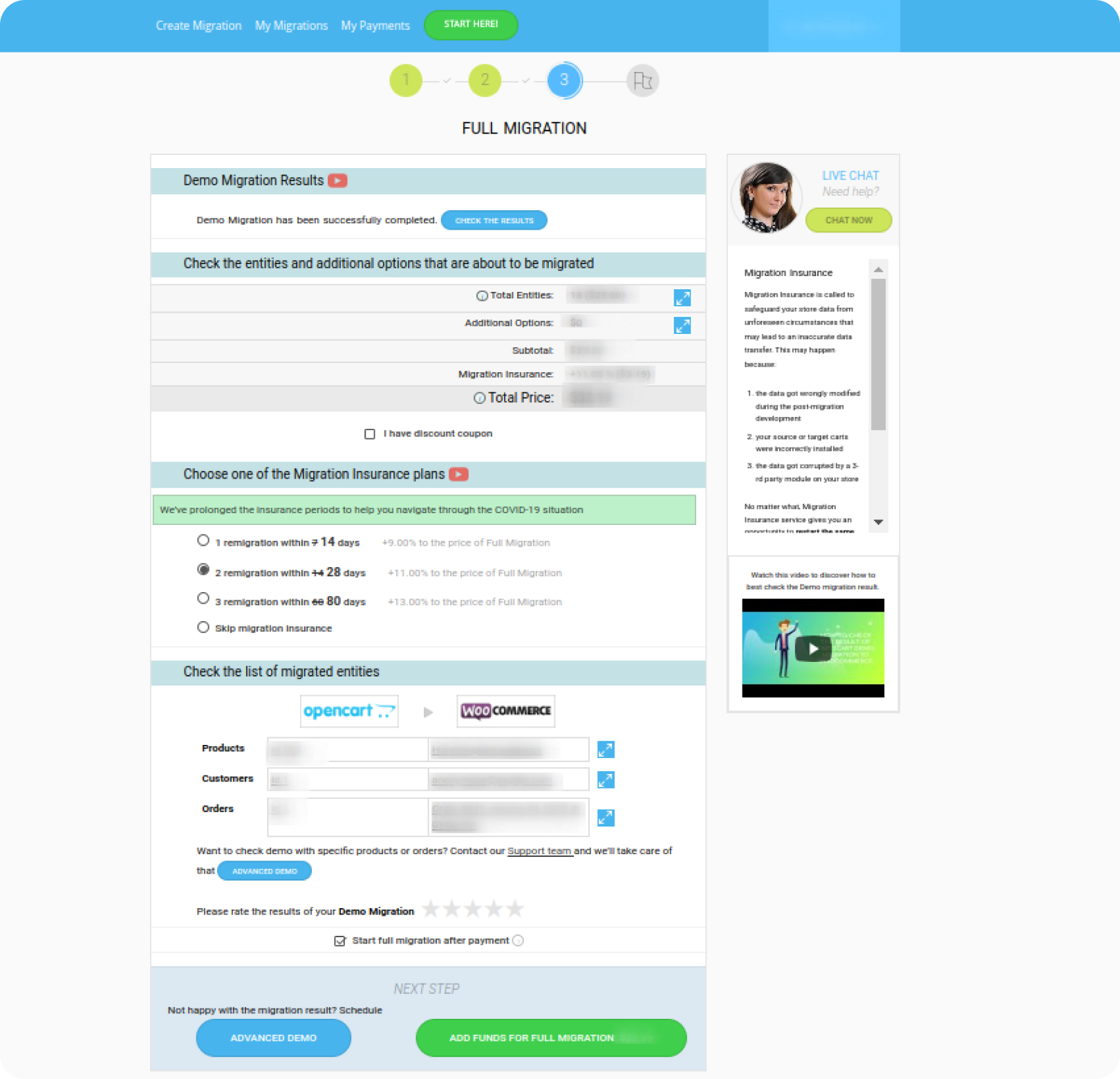
When totally happy with the Demo migration outcome, launch Full Database Migration. A few hours later, your brand-new online store is ready to go!
Just set up the migration and choose the entities to move – the service will do the rest.
Try It FreeDelegate the job to the highly-skilled migration experts and get the job done.
Choose Package